Design Studio by Saurabh · Remote, US & UK hours
Mobile app design for iOS and Android apps people keep using
Mobile app design agency in India for startups worldwide: research-led iOS and Android app UI/UX, from first user flow to developer-ready Figma screens.
If you’re building an iOS or Android app, the design decides whether people get past the first screen. We design mobile apps end to end: research, user flows, wireframes, high-fidelity UI, prototypes and handoff, for founders and product teams in India, the US, the UK and beyond.
Most apps don’t fail because of missing features. They fail because the first minute is confusing, the main action is hard to reach or the app doesn’t fit the moment people use it in. We start with that moment, then design every screen around it.
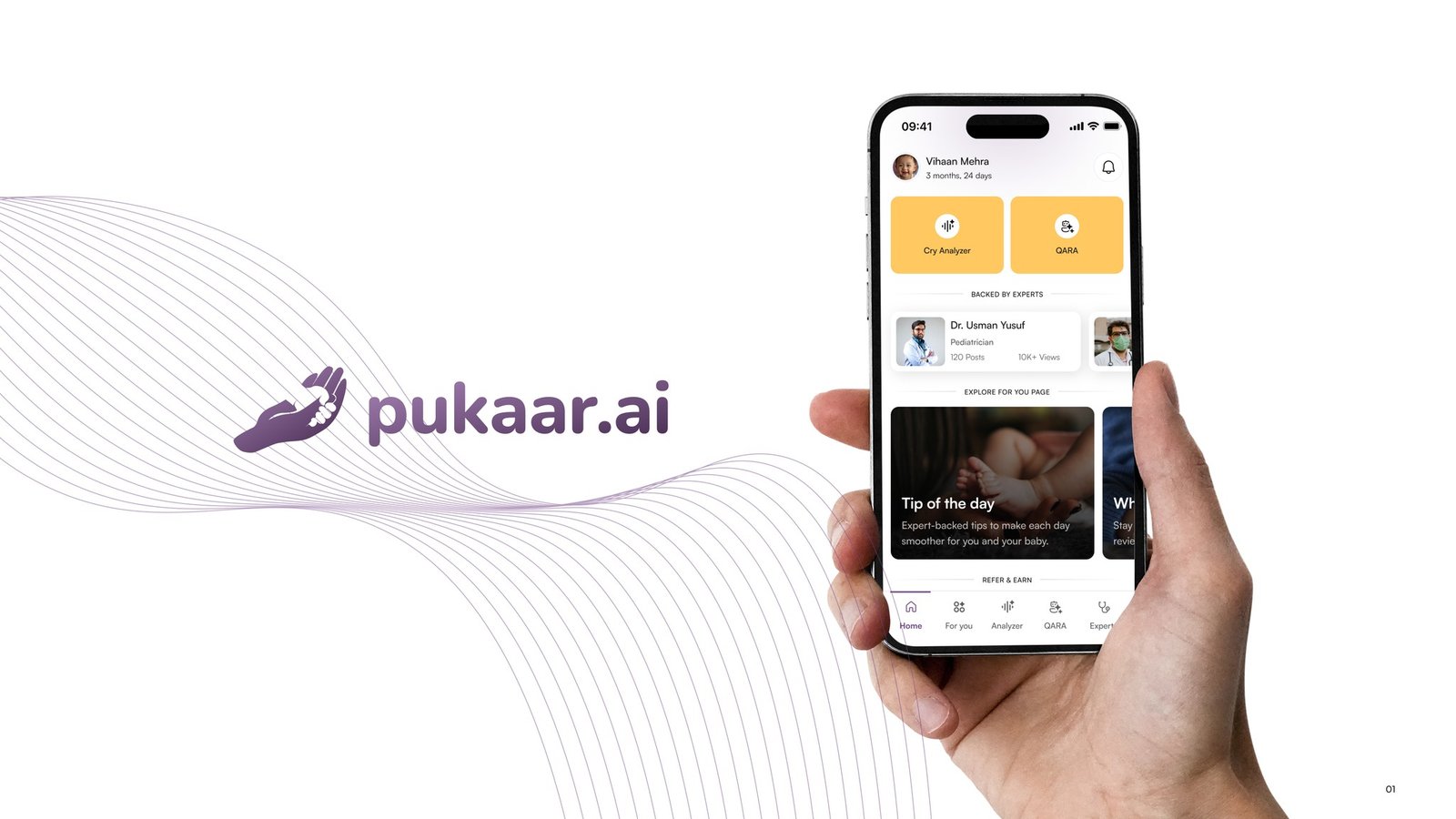
Our mobile work includes Pukaar.ai, a babycare app featured on Shark Tank India with 50K+ downloads on Google Play, and the Demerara Bank mobile banking app.
What is included
What we design
Consumer apps
for health, lifestyle, education and everyday tasks
Fintech and banking apps
where every screen has to feel safe and clear
SaaS companion apps
that put your product’s key jobs in people’s pockets
Onboarding and sign-up
that gets people to value in the first minute
App redesigns
for apps with good ideas and confusing screens
Design systems for apps
built in Figma for iOS and Android consistency
Micro-interactions
and motion that make the app feel responsive
The process
How a project works
- 01
Discovery
We define who the app is for, the one job it must do brilliantly and how you’ll measure success. We review your current app, competitors and any data you have.
- 02
Research
User interviews, a quick review of app store feedback and, for redesigns, a usability review of the current app. We map the moments people actually use it in.
- 03
Flows and wireframes
User flows for the core journeys, then low-fidelity wireframes for every key screen, designed for one-handed use and real content.
- 04
UI design
High-fidelity screens in Figma that respect iOS and Android conventions, with every state designed: empty, loading, error and success.
- 05
Prototype and test
Clickable prototypes you can try on your own phone, tested with real users before a single line of code is written.
- 06
Handoff and launch support
Developer-ready Figma with components and specs in Dev Mode, plus App Store and Google Play screenshot designs if you need them.
Deliverables
What you get
| Deliverable | What it is | Format |
|---|---|---|
| App research summary | Findings, user problems and priorities | FigJam or PDF |
| User flows | Every core journey, screen by screen | FigJam |
| Wireframes | Low-fidelity layouts for key screens | Figma |
| iOS and Android UI | High-fidelity screens with all states | Figma |
| Interactive prototype | Clickable flows for testing and demos | Figma prototype |
| App design system | Components, colours, type and spacing | Figma library |
| Store screenshots | App Store and Google Play listing designs | PNG, Figma |
Why us
Why work with Design Studio by Saurabh
Apps that shipped
Pukaar.ai went from zero to live in 15 weeks, was featured on Shark Tank India and has 50K+ downloads on Google Play.
Designed for real phones
We design for one-handed use, budget Android phones, slow networks and the moments people actually use apps in.
Research in every project
User interviews and usability testing are part of how we work, not an expensive add-on.
Motion that helps
A motion design background means transitions and feedback that make apps feel fast and clear.
Built for your developers
Components with Auto Layout and variants, handed off in Figma Dev Mode, so iOS, Android and Flutter teams aren’t guessing.
From our work
On Pukaar.ai, parents told us about the 2 a.m. moment: a crying baby, one free hand, no patience. So the recording came first, primary actions moved into the bottom third of the screen and the cry-to-answer path got under 90 seconds.
Want to see how we think before we talk? Start with research first, pixels second or how to choose the best UI/UX design studio.
Meet the people behind the work.
Different minds, shared curiosity. A small team making thoughtful products together, from first research to launch.
10 people, one team
Saurabh Yadav
Founder & Lead Designer

Sanju Vishwash
UI/UX & Motion Designer

Shiney Jacob
UI/UX Designer

Devwrat Pandey
UI/UX Designer

Vipin Meena
Product Designer
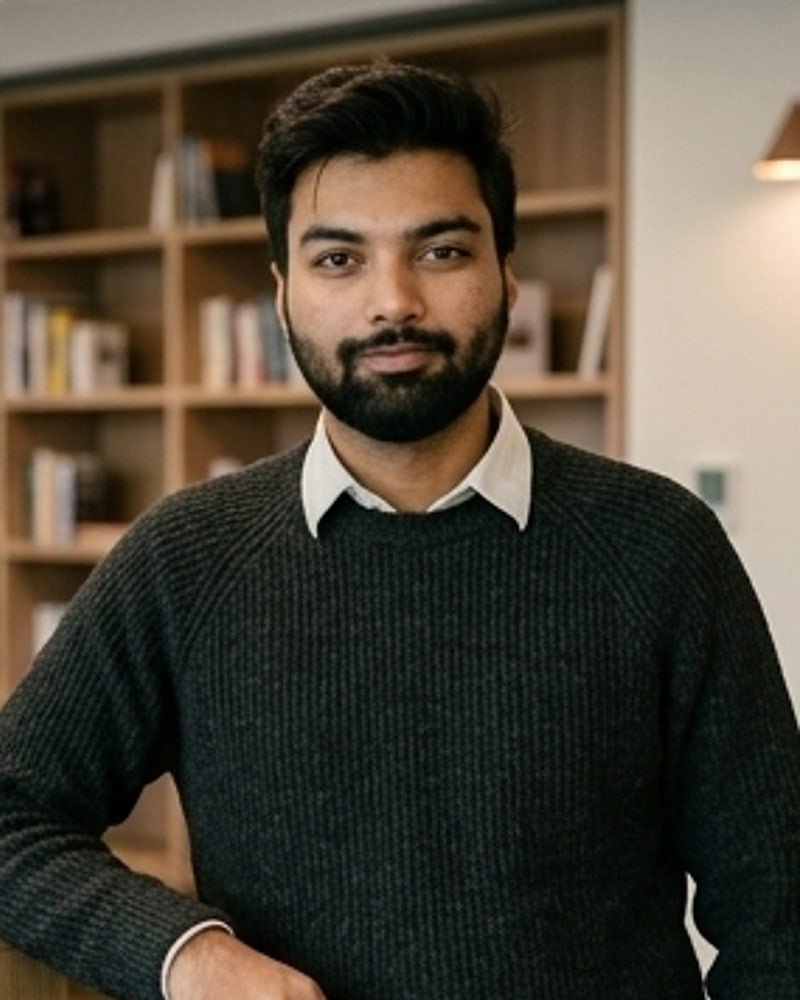
Vaibhav Singh
QA Engineer
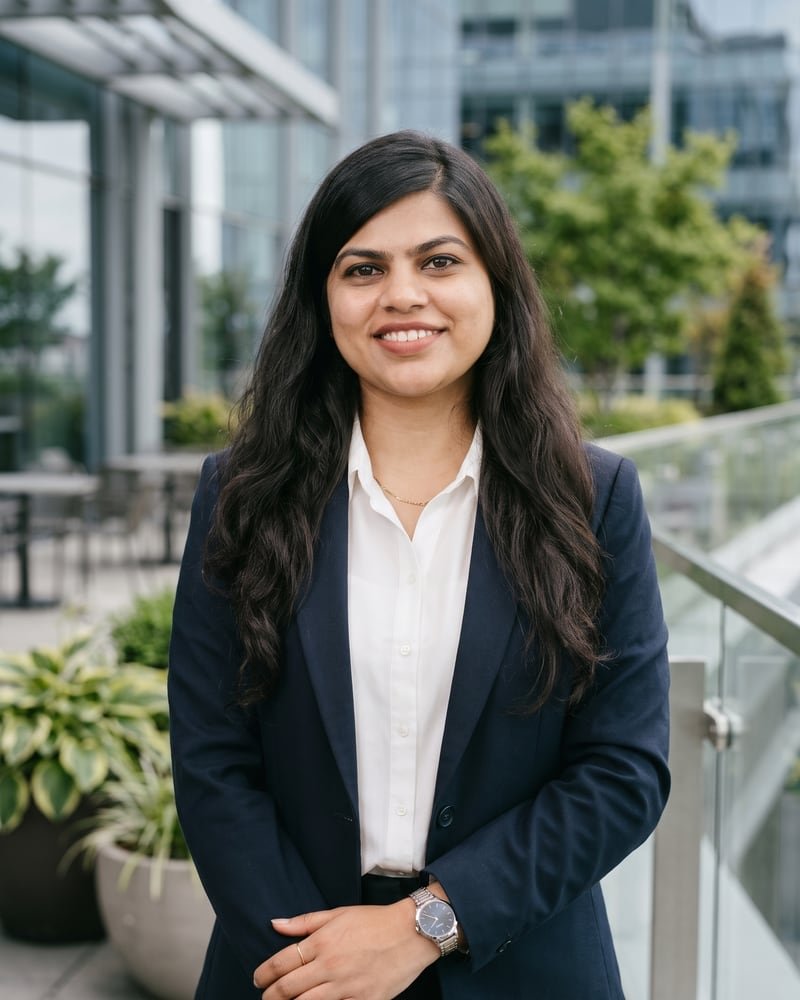
Pallavi Singh
UX Writer
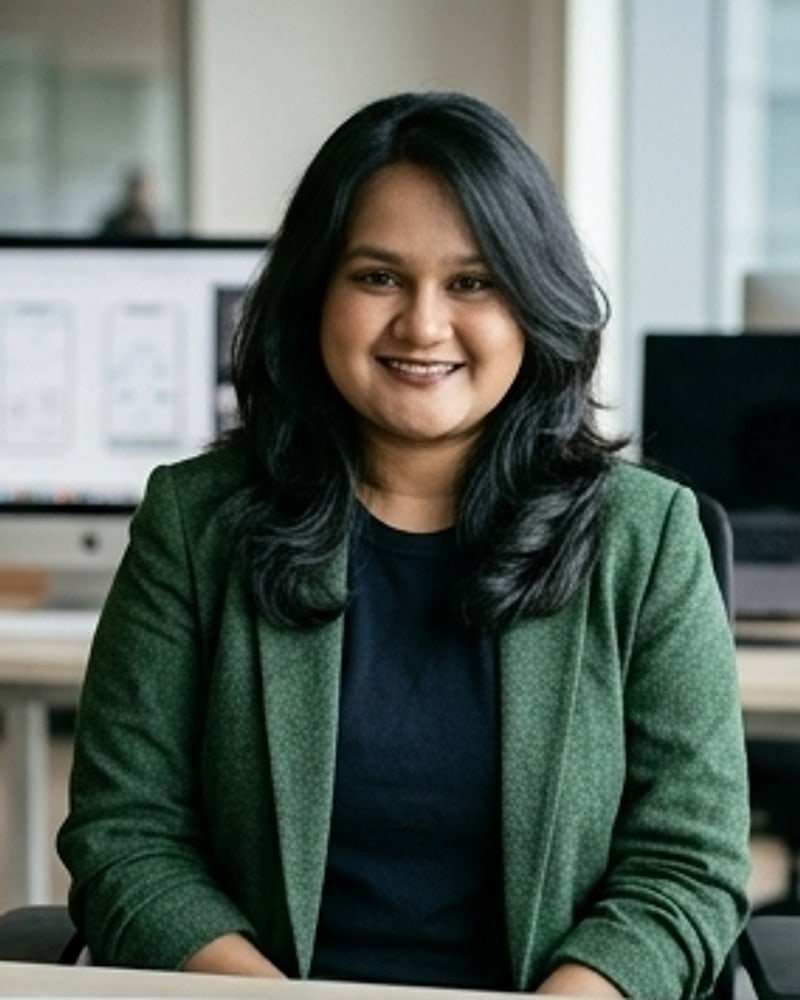
Sanchita Halder
React Developer

Himanshu Gupta
Developer

Chirag Arora
SEO | AEO Specialist
Design
- Saurabh YadavFounder & Lead Designer
- Sanju VishwashUI/UX & Motion Designer
- Shiney JacobUI/UX Designer
- Devwrat PandeyUI/UX Designer
- Vipin MeenaProduct Designer
Writing, engineering, QA & SEO
How much does mobile app design cost?
It depends on the number of screens, platforms, how much research is needed and whether you need a design system. Two “20 screen apps” can be very different jobs, so we quote per project. Share your idea and we’ll reply with an approach and an estimate.
Do you design for both iOS and Android?
Yes. We design apps that respect each platform’s conventions, or a shared design that works well on both if you’re building with Flutter or React Native.
Do you work with clients in the US, UK and Europe?
Yes. We’re a design studio based in India working with clients worldwide. Projects run remotely over calls, shared Figma files and async updates, and our working hours overlap with Europe, the Middle East and US mornings.
Can you redesign our existing app?
Yes. We start by reviewing the current app, app store reviews and analytics, and talking to a few users, so the redesign fixes real problems instead of just changing the look.
Do you build the app as well?
We focus on research, UX and UI design, and hand off developer-ready files. We work closely with your in-house or outsourced developers through the build.
Related reading
All articles
My mobile app design process, step by step
My mobile app design process, step by step: research, flows, wireframes, UI, testing and handoff, plus what I'd skip and what I never skip on a project.
Read article
How to design an MVP that’s small, useful and worth building on
How to design an MVP: define the core job, cut scope ruthlessly, design the key flow, keep quality where it counts and plan what to learn after launch.
Read article
App Store screenshot design: turn browsers into downloads
App Store and Google Play screenshot design tips: what to show first, captions that sell, layouts, sizes, localisation and how to test screenshots.
Read articleLet’s design an app people come back to
Tell us what you’re building, who it’s for and where you are today: an idea, a prototype or an app that needs a rethink. We’ll reply with how we’d approach it. Just share your project details.